
Automate Quiz Grading in Tutor LMS & Save Countless Hours!
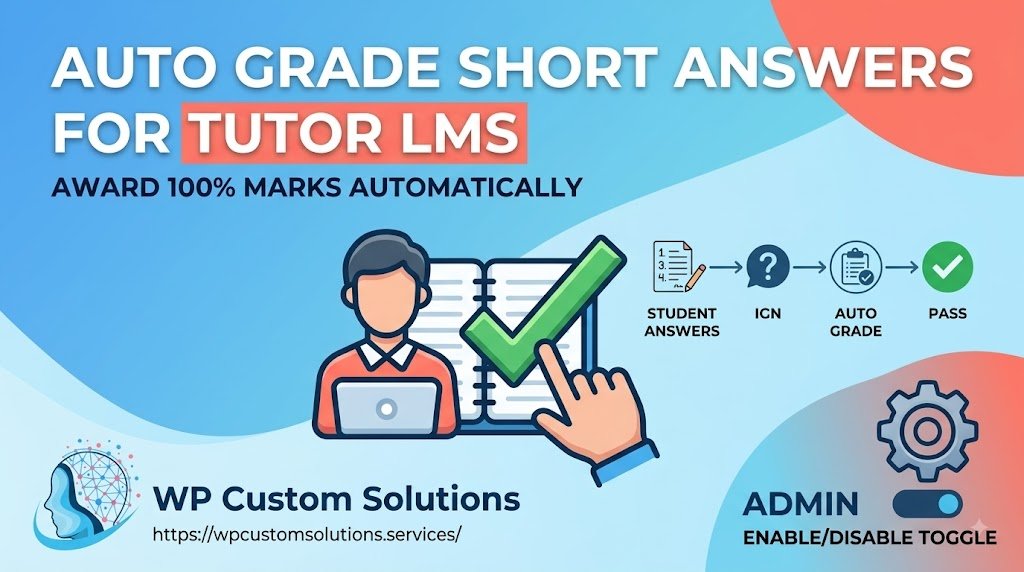
By default, Tutor LMS puts quizzes containing Short Answer questions into a “Pending Review” status, requiring instructors to manually evaluate and grade each answer before students can see their results or unlock certificates.
The Auto Grade Short Answer Questions for Tutor LMS plugin solves this by automatically grading short-answer submissions and awarding 100% full marks immediately upon quiz submission.
⚡ Key Features:
- Instant 100% Marks: Automatically marks submitted short answers as correct and awards maximum points.
- Bypass Manual Review: Automatically closes attempts from “Pending Review” to “Completed”, preventing workflow bottlenecks.
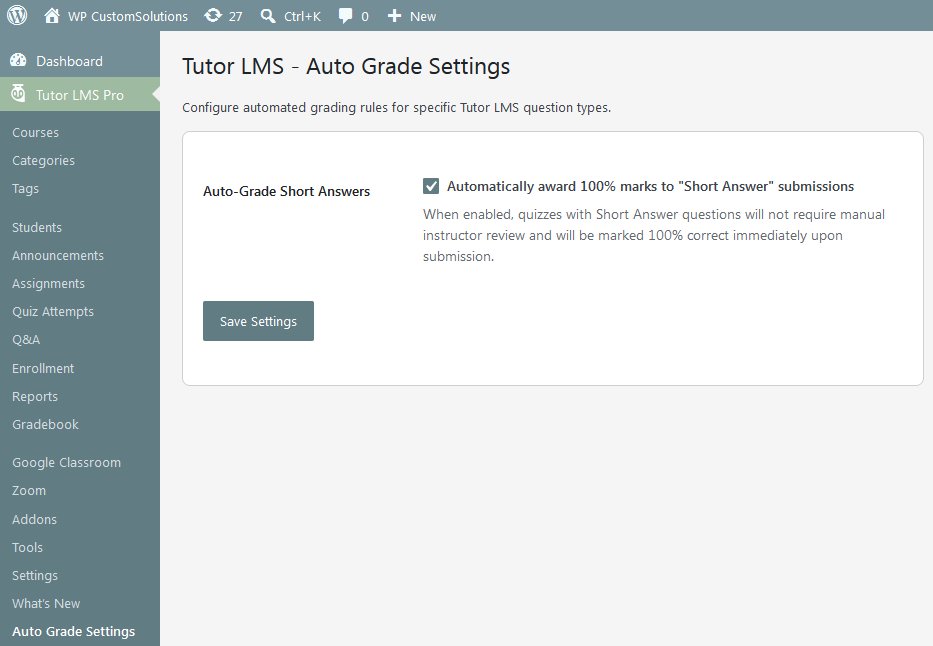
- Admin Settings Toggle: Enable or disable the auto-grading functionality anytime with a single checkbox under Tutor LMS > Auto Grade Settings.
- Accurate Score Calculation: Recalculates total quiz scores and syncs seamlessly with Tutor LMS course progress and certificates.
- Lightweight & Clean Code: Built following strict WordPress & Tutor LMS standards with zero impact on site performance.
💡 Perfect For:
- Courses requiring open-ended reflection or text inputs where exact keyword matching isn’t necessary.
- Self-paced courses where immediate feedback and certificate issuance are critical.
- Instructors managing large volumes of students who want to eliminate manual grading tasks.
⚙️ Installation & Setup:
- Install and activate the plugin via your WordPress dashboard.
- Ensure Tutor LMS PRO is installed and active.
- Go to Tutor LMS > Auto Grade Settings to toggle the feature on or off.
- That’s it! Any new quiz submissions with short answer questions will be graded automatically.
📋 Requirements & Compatibility:
- WordPress 5.8 or higher
- PHP 7.4 or higher (PHP 8.x compatible)
- Tutor LMS (Free & Pro)



Reviews
There are no reviews yet.